
01
You frame the scene
Focus, zoom, lens switching and an optional grid help you frame the shot. A timer is available for photos.
NarraCam is an iPhone and iPad camera app with AI image descriptions. Have live scenes described before you capture and saved photos read aloud, with processing on your device.
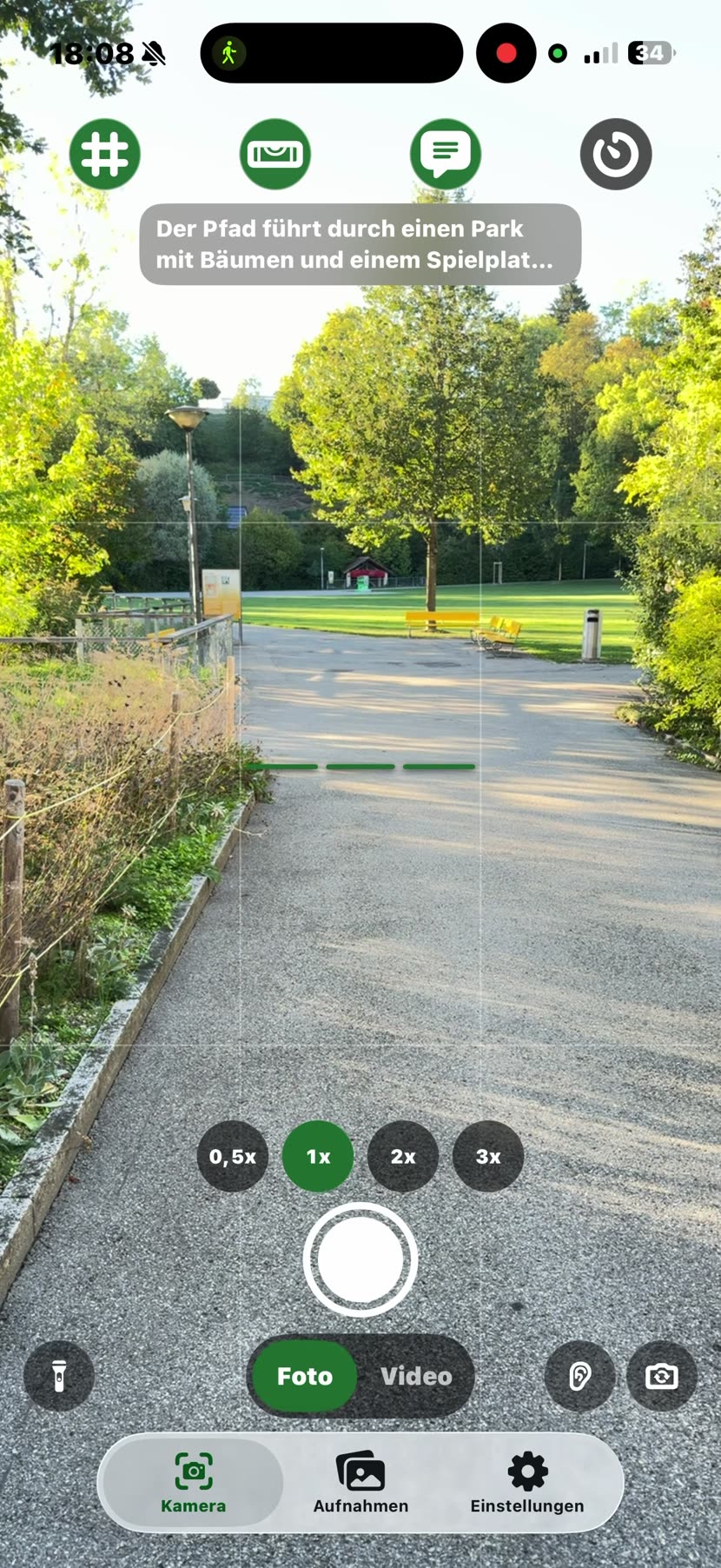
Most image descriptions explain a photo that already exists. NarraCam starts one step earlier.
Have the scene described automatically when it changes or at the tap of a button. Depending on the mode, NarraCam uses simple local signals or an AI model on your device. You choose what suits you.
For blind and low-vision people and anyone who prefers listening to images: NarraCam combines scene descriptions, speech and a dedicated photo and video library.
How to get image descriptions: read the guide
Listen to an exampleLook first.
Then capture.
The app helps you understand the scene without getting in the way.
Focus, zoom, lens switching and an optional grid help you frame the shot. A timer is available for photos.
A scene summary, detected objects and, if you want, visible text. You can have the last description read aloud again.
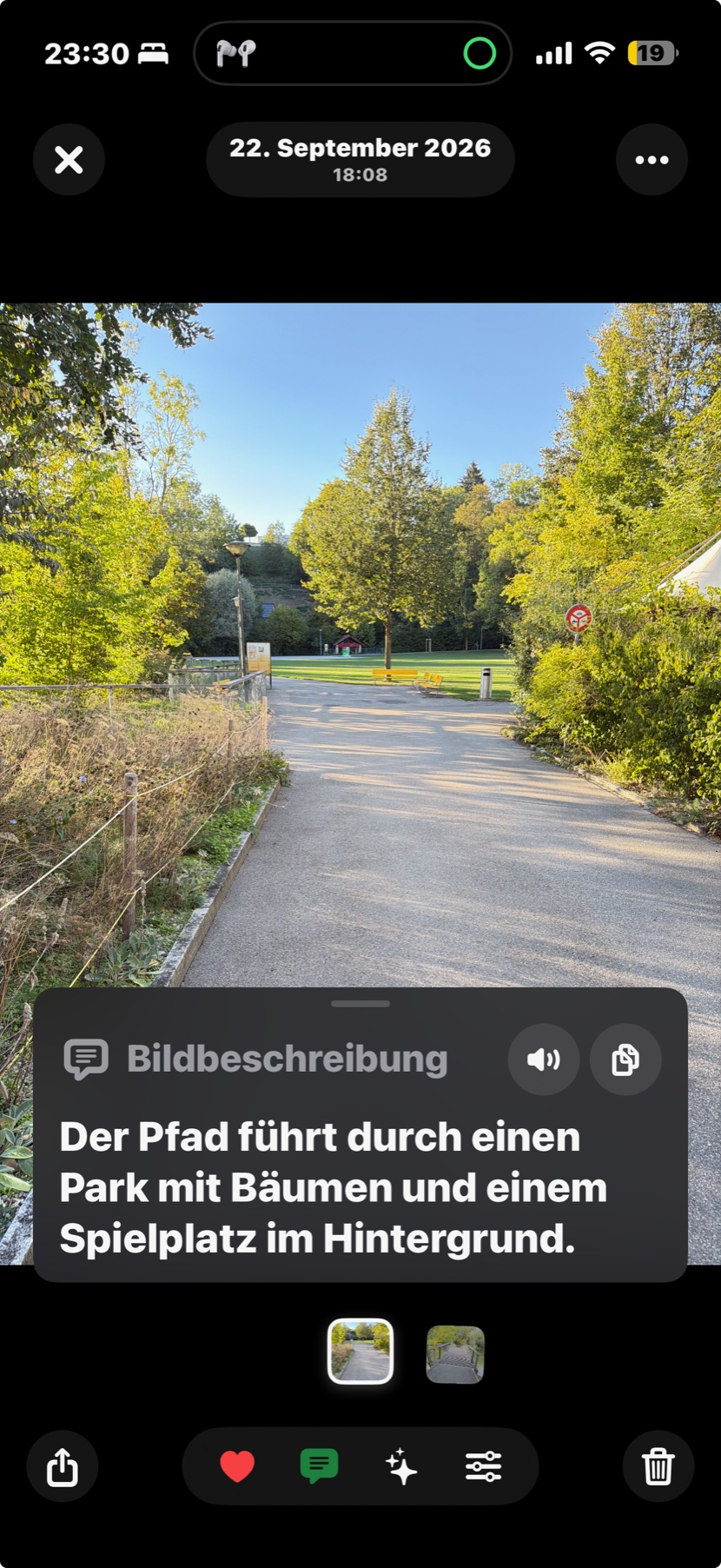
Take a photo or video, save the description and find it again later. With “Better Moments”, you can also choose a frame from just before you pressed the shutter.
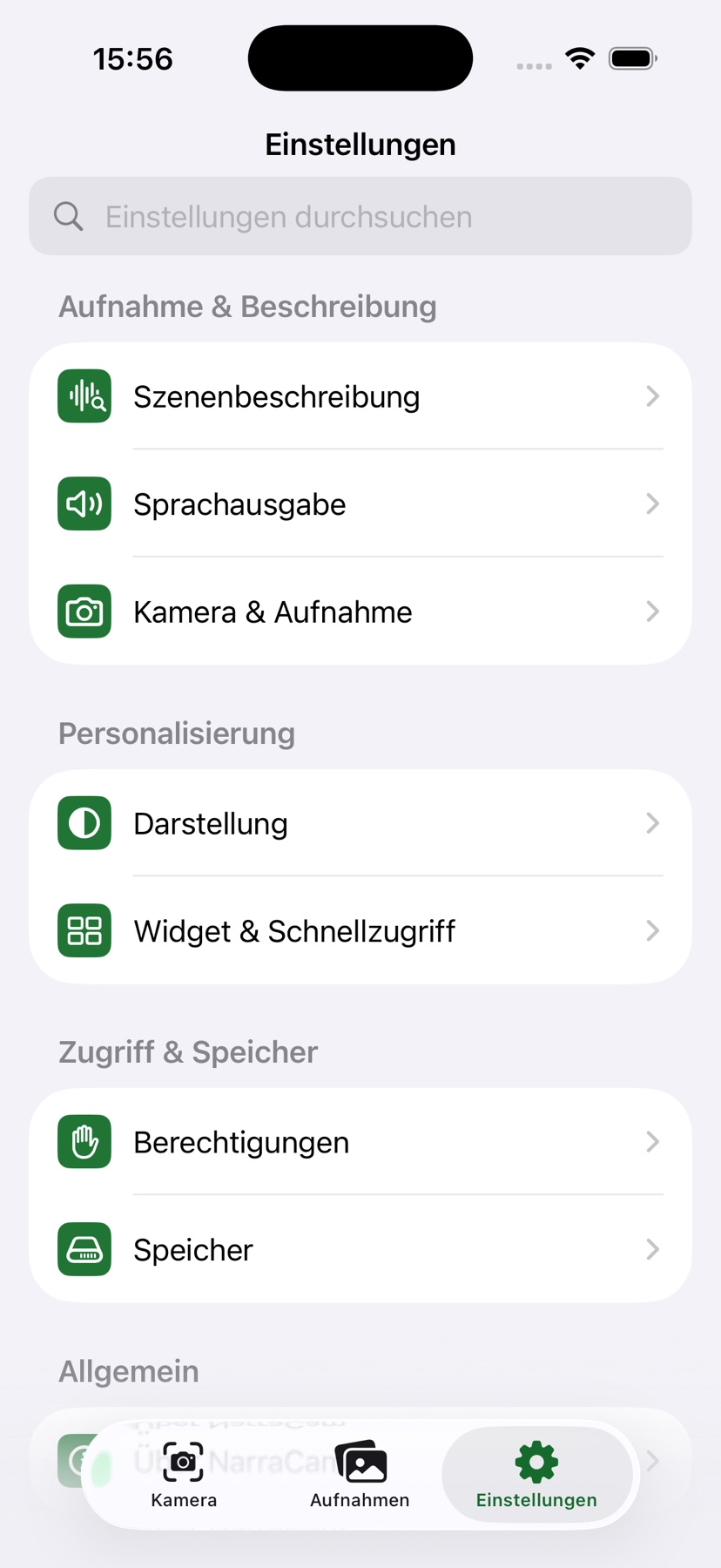
We recommend local AI for compatible iPhones and iPads. Other devices can use “Simple Description”. Choose your mode under “Scene Description”.
Simple descriptions using local signals such as brightness, movement, people and detected text.
Our recommendation for compatible devices. After a one-time model download, your images are described directly on your device without internet. All processing takes place on your device; speed depends on the device and model.
Available on iPhones with A16 or later and suitable iPads. The choice of models also depends on RAM.
Is my device compatible?Both modes support descriptions on demand and when a scene change is detected.
Supported devices include iPhones with A16 or later, iPads with an M-series chip, iPad mini with A17 Pro and iPad with A16. iOS or iPadOS 18 or later is required.
| iPhone series | Supported models |
|---|---|
| iPhone 14 | iPhone 14 Pro and iPhone 14 Pro Max |
| iPhone 15 | iPhone 15, 15 Plus, 15 Pro and 15 Pro Max |
| iPhone 16 | iPhone 16, 16 Plus, 16 Pro, 16 Pro Max and 16e |
| iPhone 17 | iPhone 17, 17 Pro, 17 Pro Max and 17e |
| iPhone Air | iPhone Air |
| iPad series | Supported models |
|---|---|
| iPad Pro | 11″ and 12.9″ with M1 or M2, and 11″ and 13″ with M4 or M5. This covers Pro models from 2021 onwards. |
| iPad Air | iPad Air (5th generation) with M1, and 11″ and 13″ with M2, M3 or M4. |
| iPad mini | iPad mini with A17 Pro (2024). |
| iPad | iPad with A16 (2025). |
iPhone 14 and 14 Plus, the iPhone 13 series and older models, and all iPhone SE models do not support local AI in NarraCam. Excluded iPads include Pro models up to 2020, iPad Air up to the 4th generation, iPad mini up to the 6th generation and the standard iPad up to the 10th generation. These devices can use “Simple Description” if they run iOS/iPadOS 18 or later.
Compatible iPhones and iPads offer “Fast” and “Balanced”. “Detailed” offers the 2B variant with at least 8 GB of RAM and the larger, experimental 4B variant with at least 12 GB. This means the device’s built-in RAM, not free storage for photos and apps.
The app shows suitable models under “Scene Description › On-Device AI › Profile & Storage”. A model download and enough free storage are required. The list describes which devices are enabled in the code; speed and stability depend on your device and model. As of 10 September 2026 · Version 0.1.0.
Device eligibility and memory limits come from NarraCam’s current device checks. Model names and chip generations were checked against Apple’s specifications: iPhone 14 Pro, iPhone 15, iPhone 16, iPhone 17, iPhone 17e and iPhone Air. The iPad mapping follows Apple’s iPad comparison and the specifications for iPad Air (5th generation).
Choose one of four sample scenes and listen to its description. Park Path and Wooden Bridge use the “Balanced” profile; Lake and Yellow Bench use “Fast”. Image and text change together; this is not live analysis.
Der Pfad führt durch einen Park mit Bäumen und einem Spielplatz im Hintergrund.
Diese Bildbeschreibungen wurden mit lokaler KI im Profil „Ausgewogen“ generiert. Du hörst die Originalansage aus NarraCam. Beschreibungen können unvollständig oder falsch sein und ersetzen keine Mobilitätshilfe.
With “Better Moments”, NarraCam also saves frames from just before you press the shutter. Choose a suitable alternative immediately after taking the photo or later in your library.
The interface and scene descriptions are available in German, English, French and Spanish. You set the voice, speed and automatic announcements yourself.
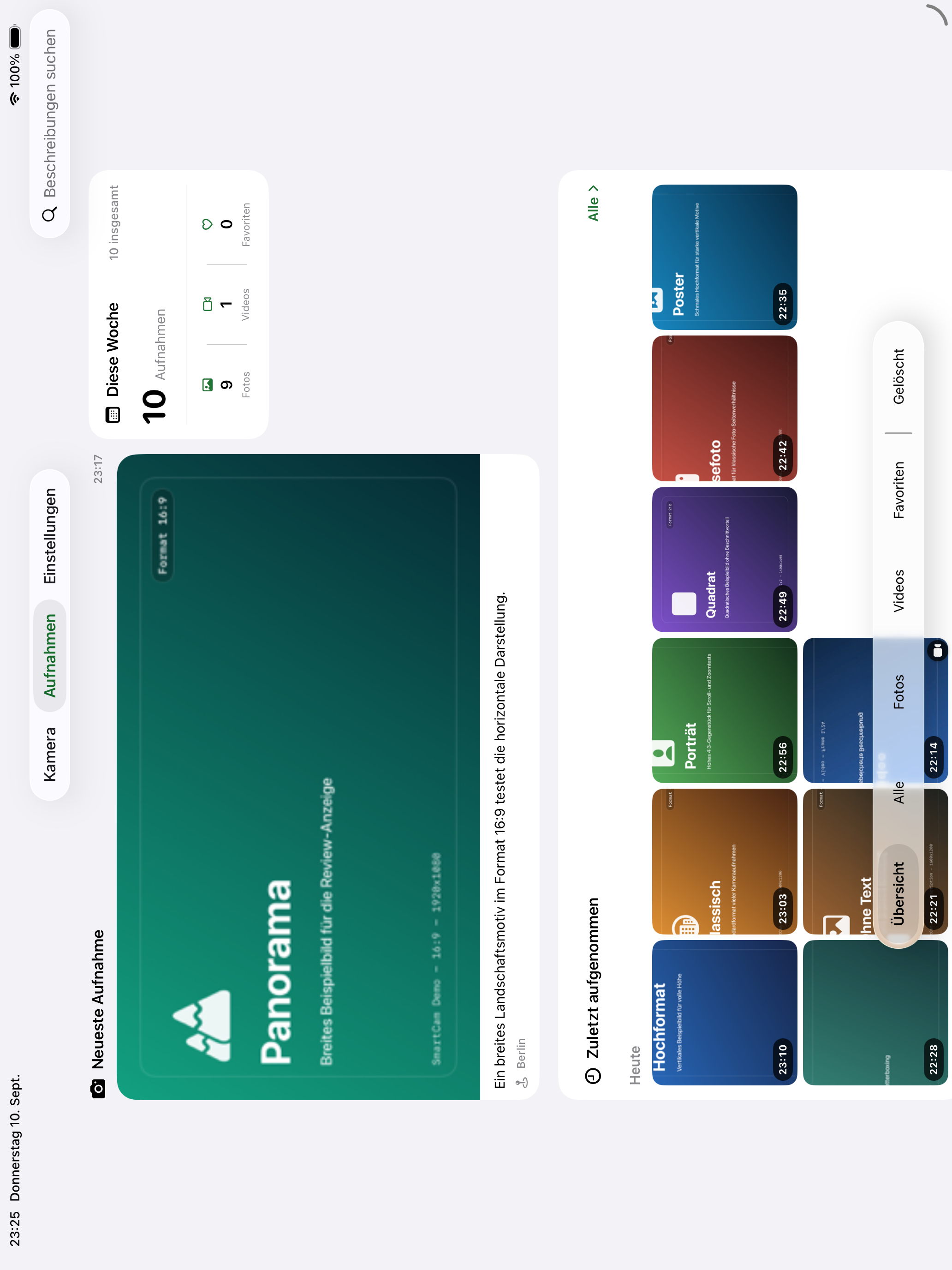
Search, filter, import and share photos and videos. Edit descriptions, dates and locations, and restore deleted shots before they are permanently removed.
Open the camera, captures or settings with Siri and Shortcuts. There is also a photo widget, plus access through Control Centre or the Lock Screen after unlocking your device.
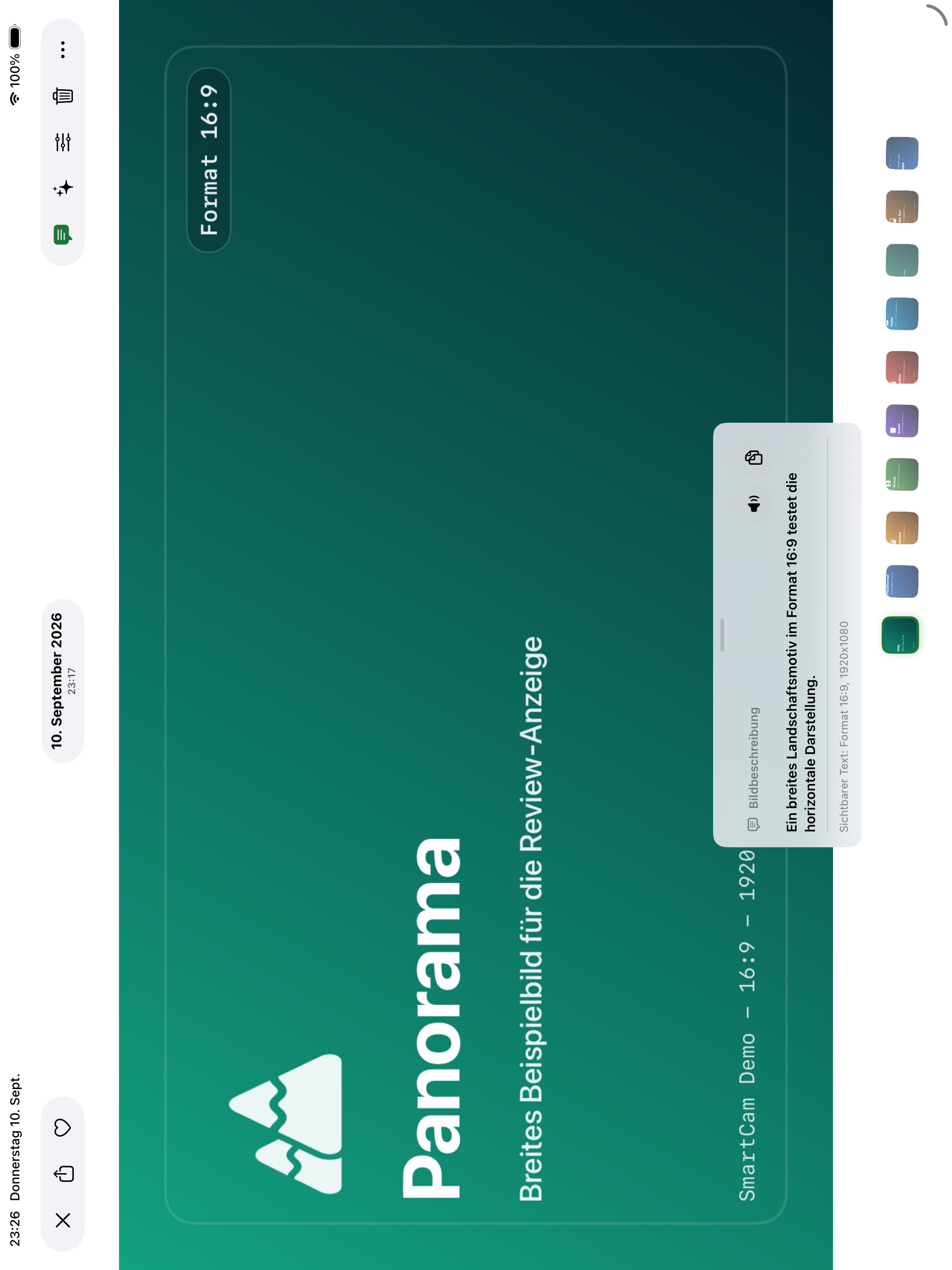
NarraCam in everyday use: the camera and image description views show real captures. The settings are from the iPhone simulator on 20 September 2026. The iPad views are from the simulator on 10 September 2026 and show demo data. The screenshots show the app’s German interface.
On iPad, the library has more room: the latest capture stays large, while the weekly overview and history remain within reach.
NarraCam describes your images on your device. You do not need an account. You choose separately whether to also store your captures in your private iCloud.
Understand the data flows